Timetable Assistant 'Virtual Tour'
Settings Tab

Pete Self     -       peteself@nesterenkosoftware.com
Logo

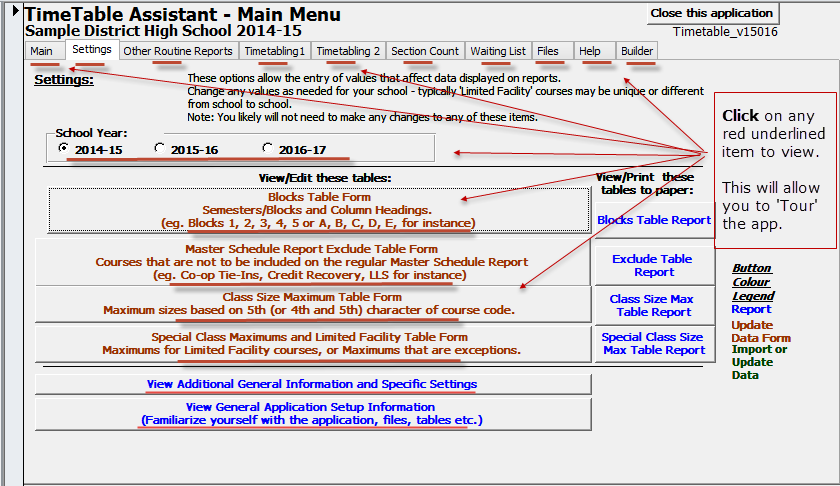
To 'Tour' the app, click within the image below on any of the red underlined items.

Timetable Assistant Tour - 'Settings' tab.      A variety of Settings, although they should be pre-configured. SettingsTab Main Tab Settings Tab Other Reports Tab Timetabling 1 Tab Timetabling 2 Tab Section Count Tab Waiting List Tab Files Tab Help Tab Builder Tab School Year Edit Column Headings Master Schedule Report Exclude Class Size Form Special Class Size Form General Information General Setup